Padlet- A quick review
Padlet has been a while for a while, if you have not seen it recently, check it out, there have been a lot of great updates.
How many professional developments or meetings have you been when the presenter is taking people's responses and writing it on a whiteboard or the large piece of paper and then tape it to the wall before going to the new page. For me I have lost count the number of times this has occurred. There may have been great points, but can you see the details if you are in the back of the room? How long did the portion of collecting answers take?
If you want an interactive way with many great visual options to get people's input, then Padlet is a great resource.
You receive 3 different padlets for free. As of October 2026, the price to upgrade to unlimited is $15/month or $120 a year.
How Padlet can be used
Presenter creates a Padlet and shares a link, QR code or embeds on a website
Attendees sign in and input their perspective in the mode. There are over twenty responses options.
After about a minute all responses should pop-up. It can be viewable on any screen. It saves time and a volley of answers and writing on a board.
Key Features of Padlet
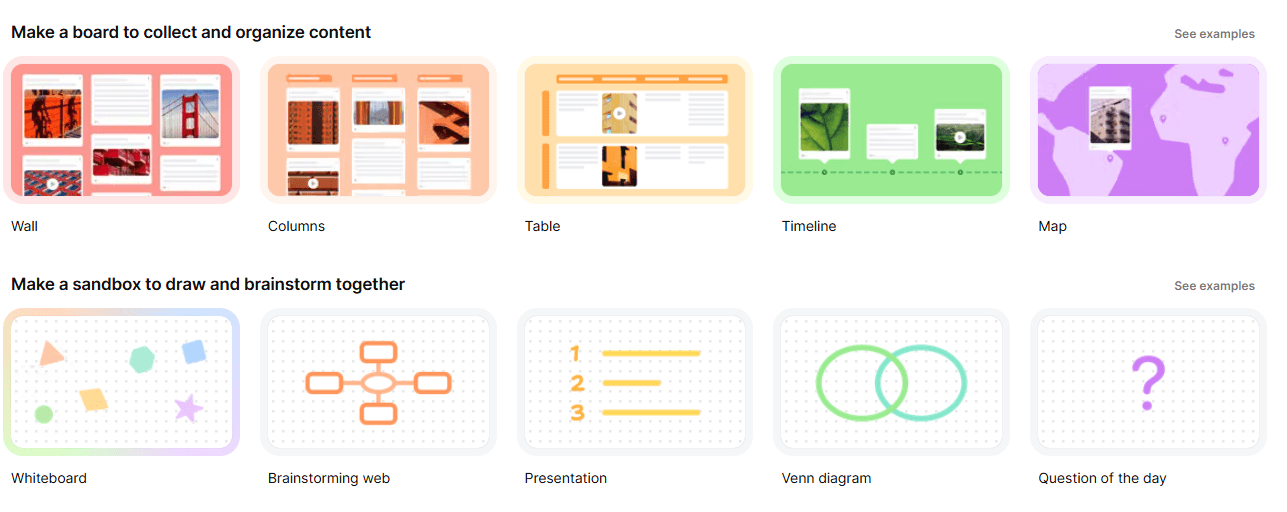
Formats when you sign in
After you sign in this is the format you see. There are timeline, Venn diagrams, and brainstorming options beyond the standard tile format.
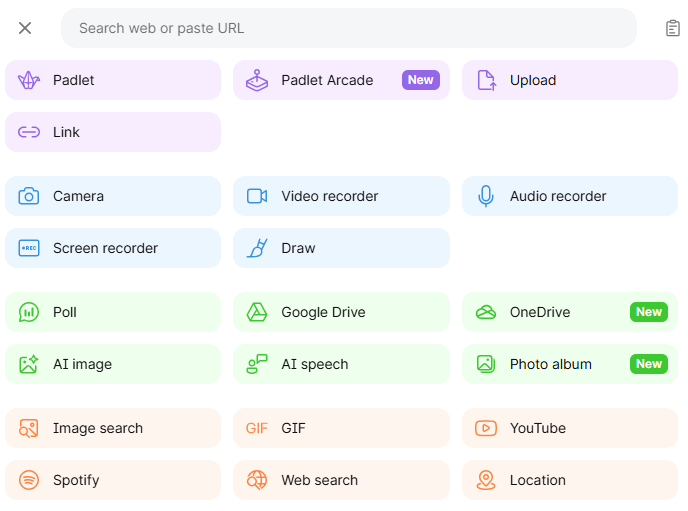
Formats when an attendee posts
There are over 20 options beyond standard text when you post. It can be an external link, voice, images and more. You can also select a background color if you choose. It will then appear in the tile on the Padlet.
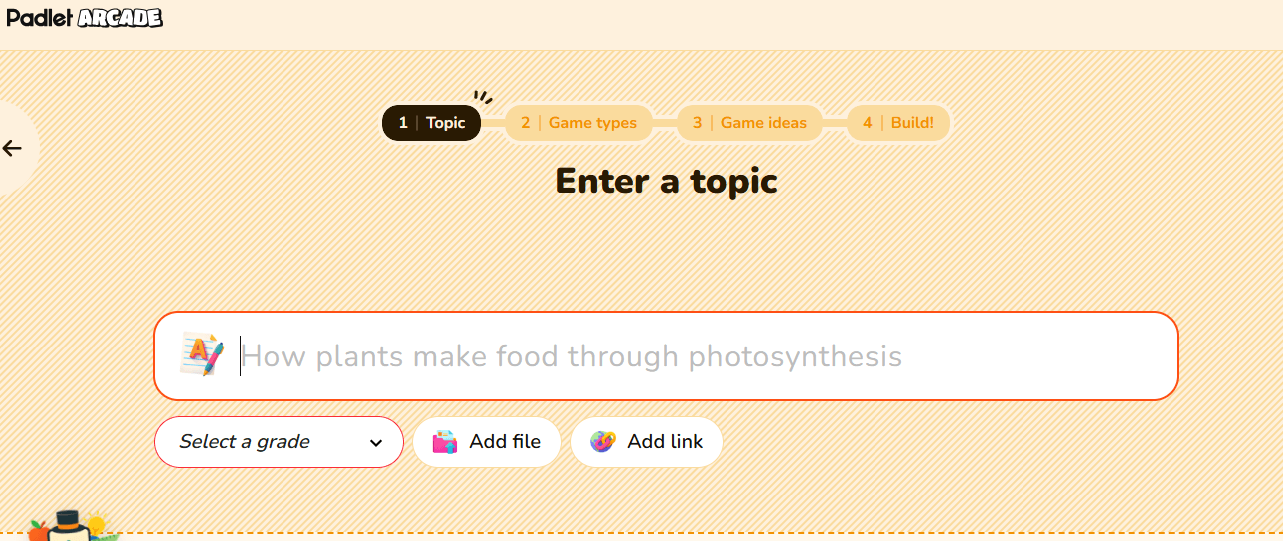
Arcade
Options for you to create games and check-ins for your attendees. You can do formative assessments as well. There are premade ones or ones you may make a copy of and bring your own audience in.
Considerations with Padlet
Three padlets may be all that a person needs! If your organization though has a lot of meetings and wants to keep previous ones for review you will be
Final thoughts
Padlet is a tool that many educators know so chances are someone is familiar the rhythm of a meeting with Padlet. I find it to be better to share thoughts without just a standard question and answer which is time consuming. It also can give context to answers when someone can upload a graph, image or use a citation for their source. Keep in mind if you want to stay in the free that three is the limit. For a free tool though there is a lot of customization and can also great to send out at the end of the meeting for people to refer to.
Hope your presentation goes well!